Prepare Your Home
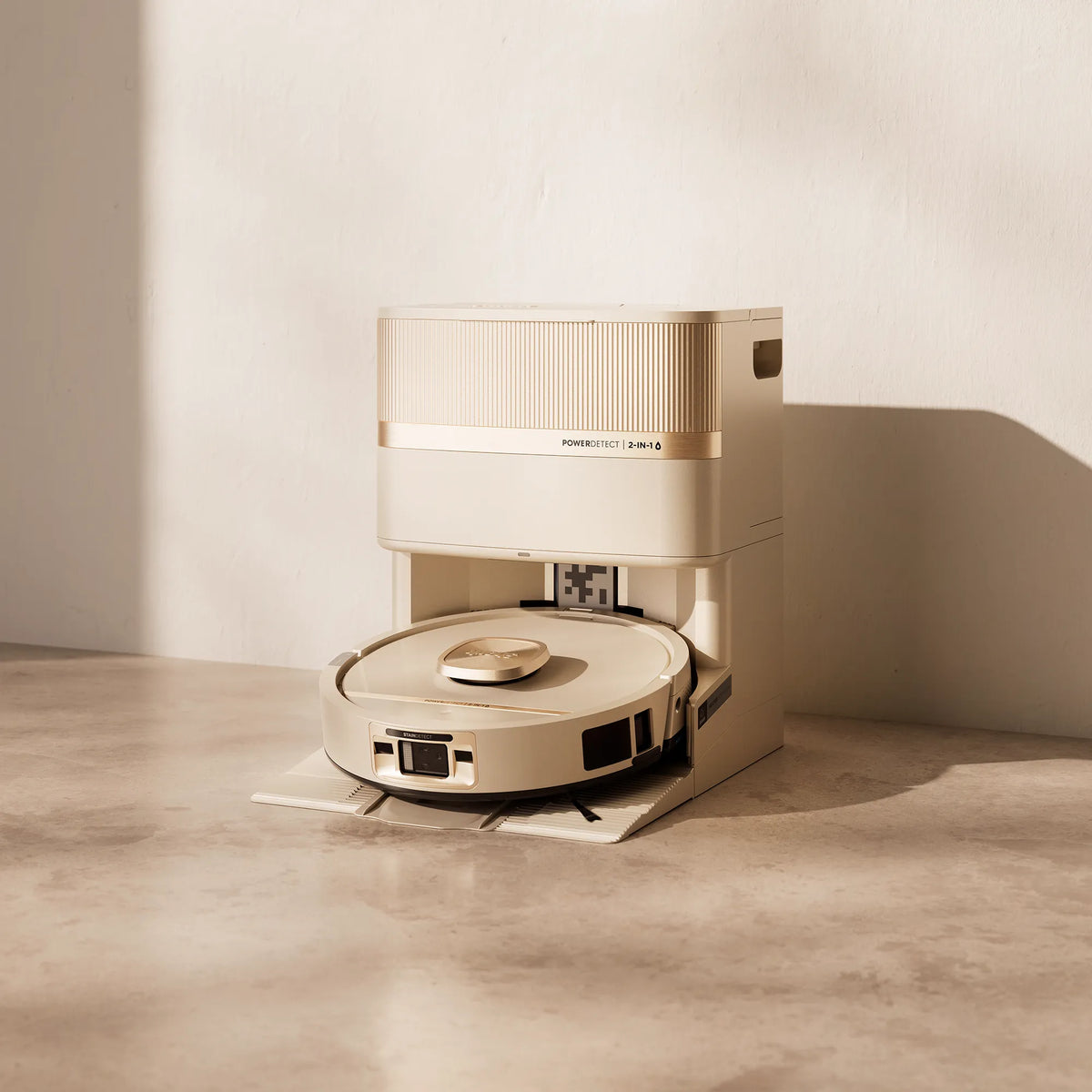
Your robot uses an array of sensors to navigate around walls, furniture, and obstacles. A little prep before each mission makes a big difference.
Tip: Fully charge the robot before its first clean — it may take up to 4 hours. A full charge means it can explore, map, and clean as much of your home as possible in one run.
Mapping Tips
|
|
1 Run Quick Explore first In the SharkClean® app, select Quick Explore. Your robot will spend ~10 minutes touring each room, identifying walls, furniture, and obstacles. 2 Carpet detection After Quick Explore, run a Carpet Detection Run to accurately map carpeted areas. The robot will automatically avoid carpet during mopping missions. 3 If you move furniture or the base Delete the existing map in the app and run a new Explore Run. Moving the base resets the robot's reference point. 4 No app? No problem Press the Vacuum button on the robot. On its first run it will automatically vacuum while mapping. This may take a few hours for larger homes. |
Important: Your robot must complete a full Explore Run before it can be sent on a mopping mission.
Setting Up No-Go Zones
|
Go to ☰ > Map > Edit Map > Zones and draw polygons over areas you want the robot to avoid — tight corners, pet areas, delicate rugs, or high thresholds. For best accuracy, zones should be at least 3 ft × 3 ft in size. If your robot is missing areas, clean the sensors and make sure paths are clear of obstacles that weren't there during mapping. Don't place no-go zones in front of the base — this will block the robot from docking. |
3D Sensor & AI Laser Navigation
|
Object Detection Your robot's 3D sensor detects and navigates around common obstacles — cables, shoes, toys, and clothing — even if they weren't there during mapping. Carpet Mapping The robot detects carpeted areas on its first vacuum mission. If carpets are moved or replaced, delete the map and run a new Explore Run so the robot can re-learn your home. |
Spot Clean
|
1 In the app, tap the Spot tab on the home screen, then drag the target zone to the area you want cleaned. 2 You can add up to 3 spot zones per mission. 3 Without the app: Place the robot on the spot you want cleaned, then press and hold the Vacuum or Mop button for 3 seconds to start a spot clean. |