A Deeper Clean, Revealed.
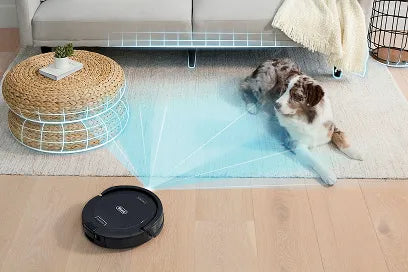
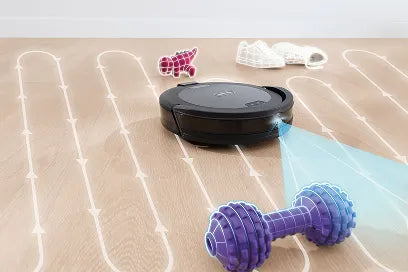
Powered by UV Reveal™ technology, this intelligent robot uncovers hidden messes and automatically adapts its cleaning across floors, edges and obstacles.
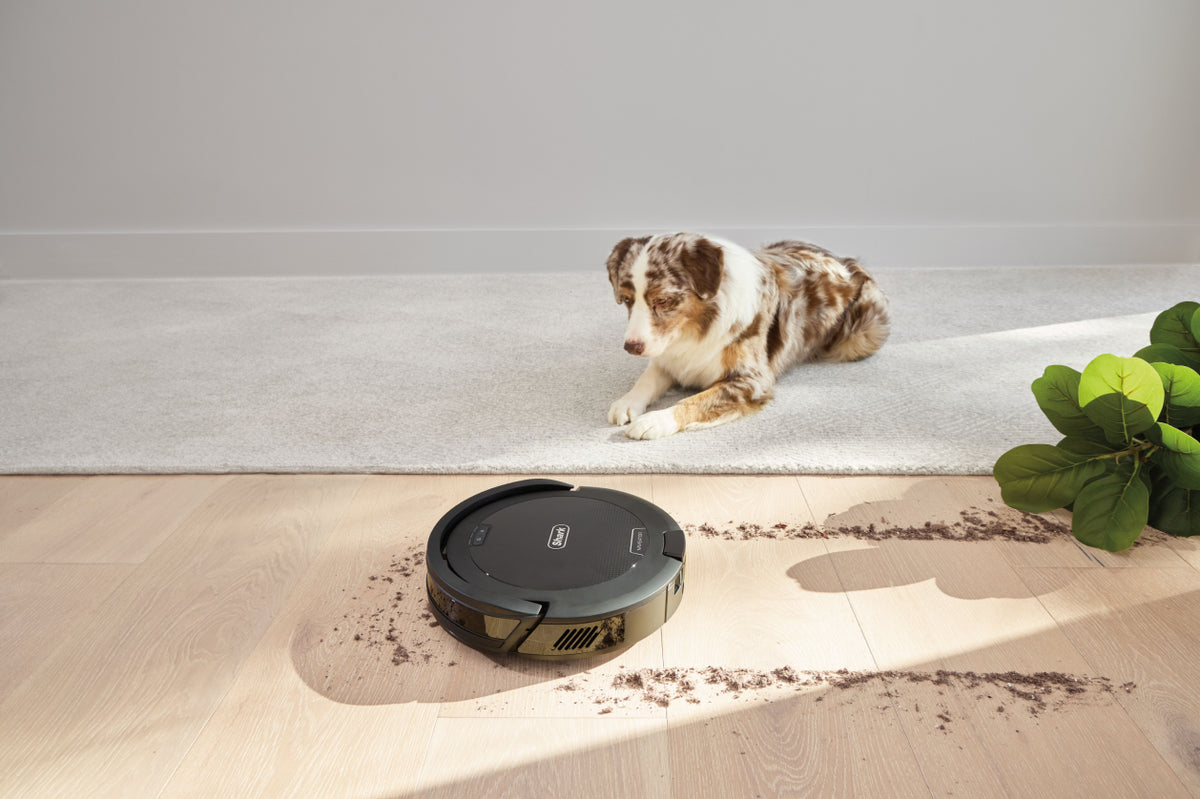
Set it. Forget it. It just vacuums.
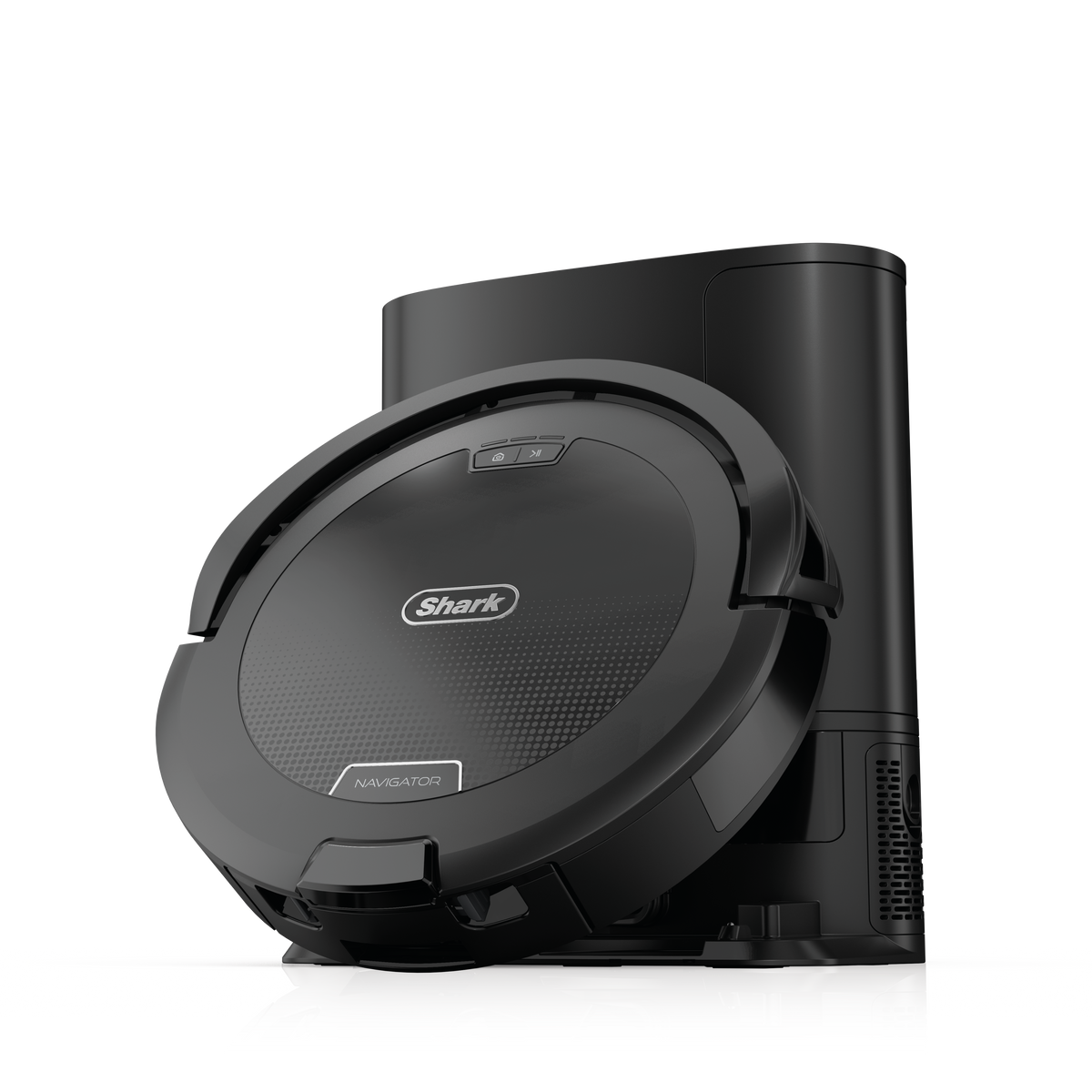
Reliable everyday vacuuming that empties itself.
Meet Shark's latest range of robot vacuums and mops, designed to take everyday floor care off your to-do list.
Discover Robot Vacuums
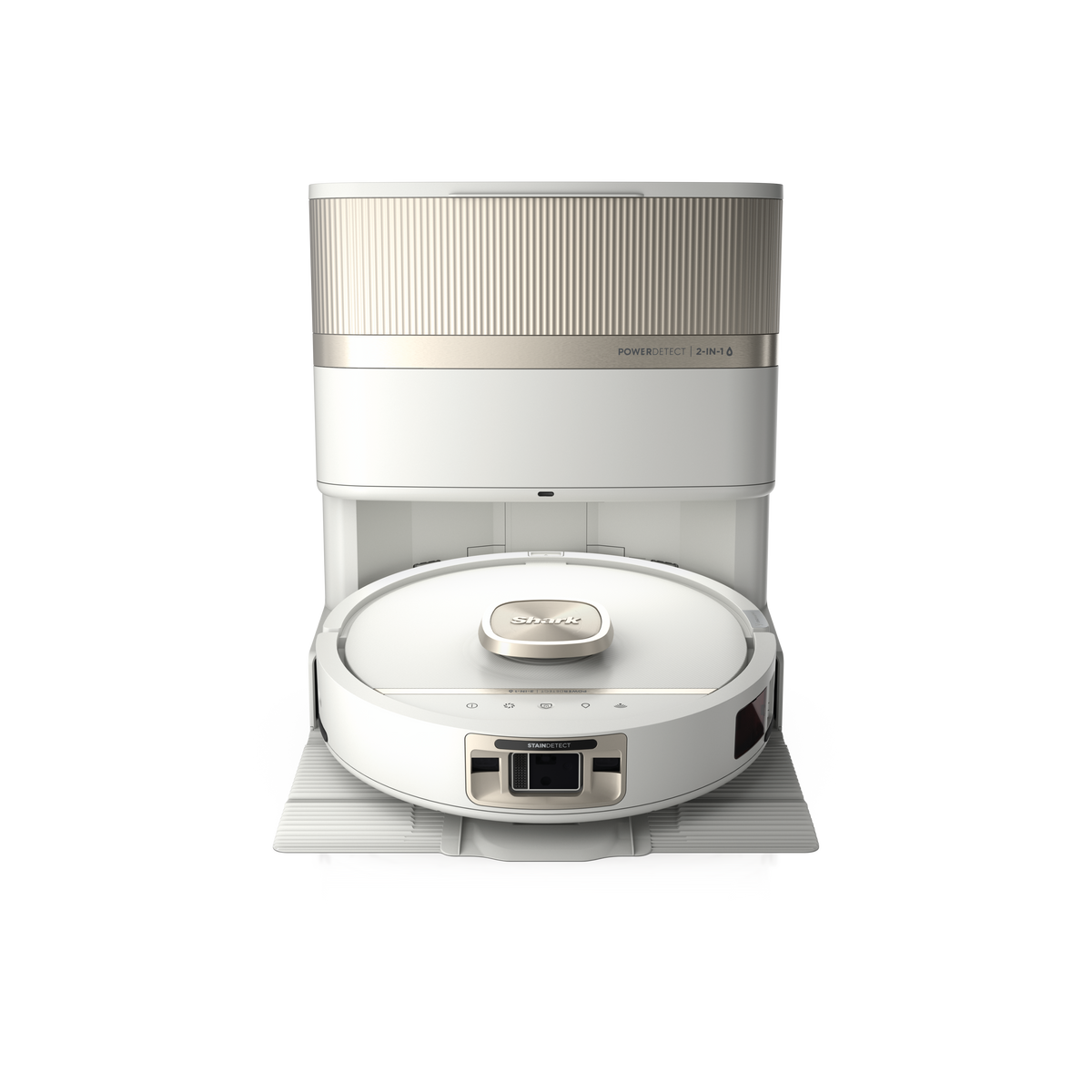
Explore the Intelligent Tech Powering Shark Robot Vacuums
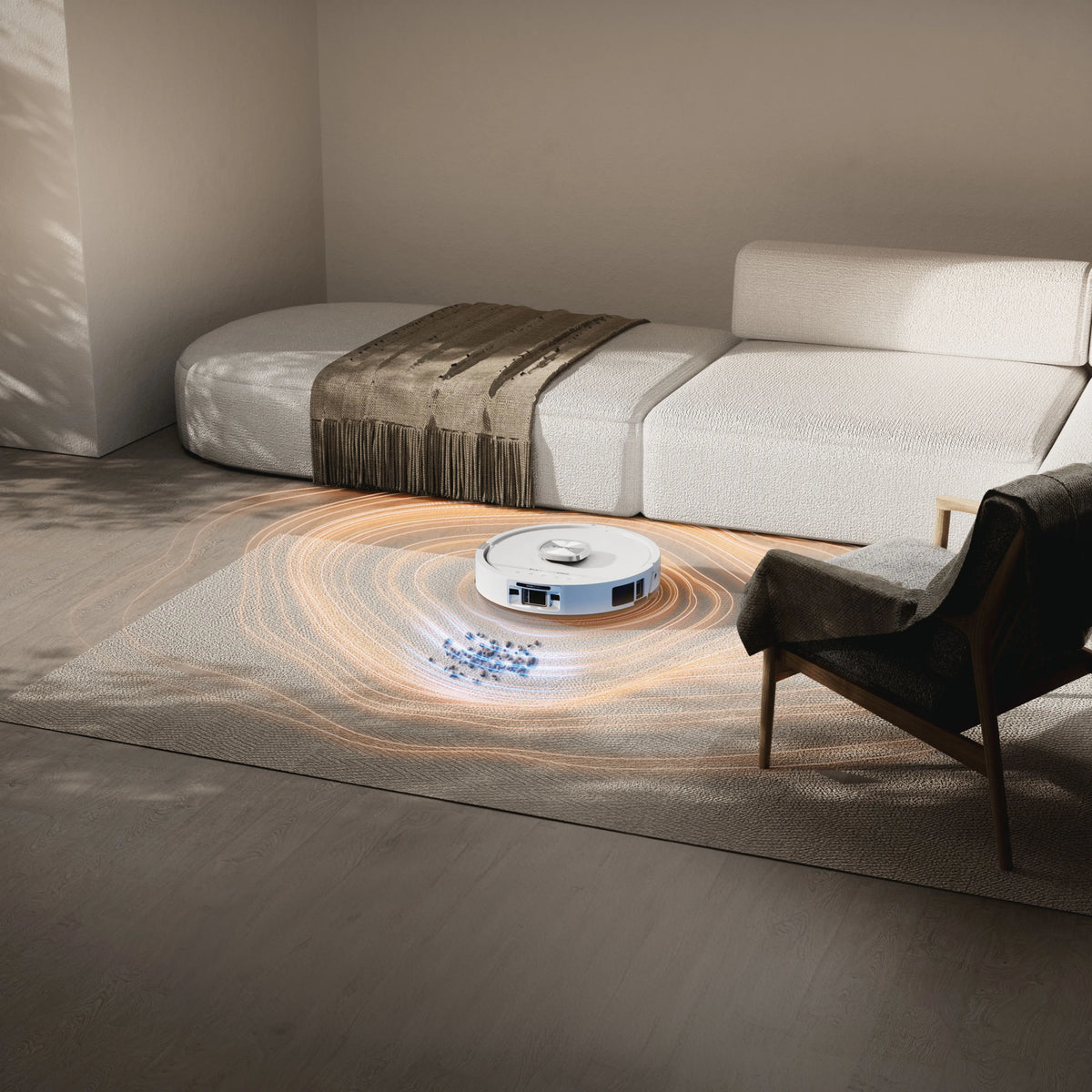
Dirt Detect
Senses hidden dirt and boosts power to maximise cleaning performance.
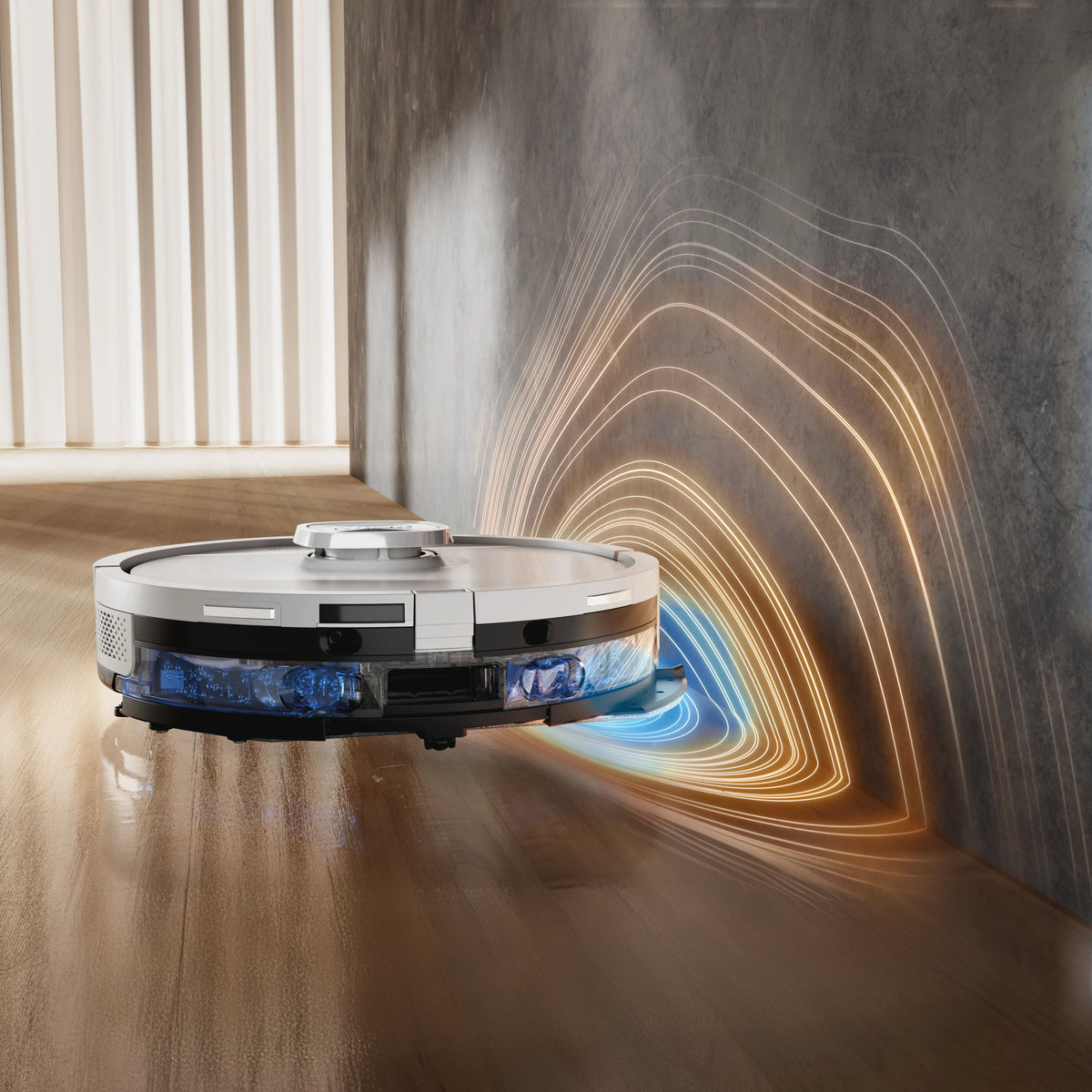
Edge Detect
Uses blasts of air to push debris into the robot’s cleaning path.
Floor Detect
Detects floor types to optimise cleaning and automatically avoids carpets while mopping.
See the Robot Vacuums in Action!
Compare our Robot Vacuums

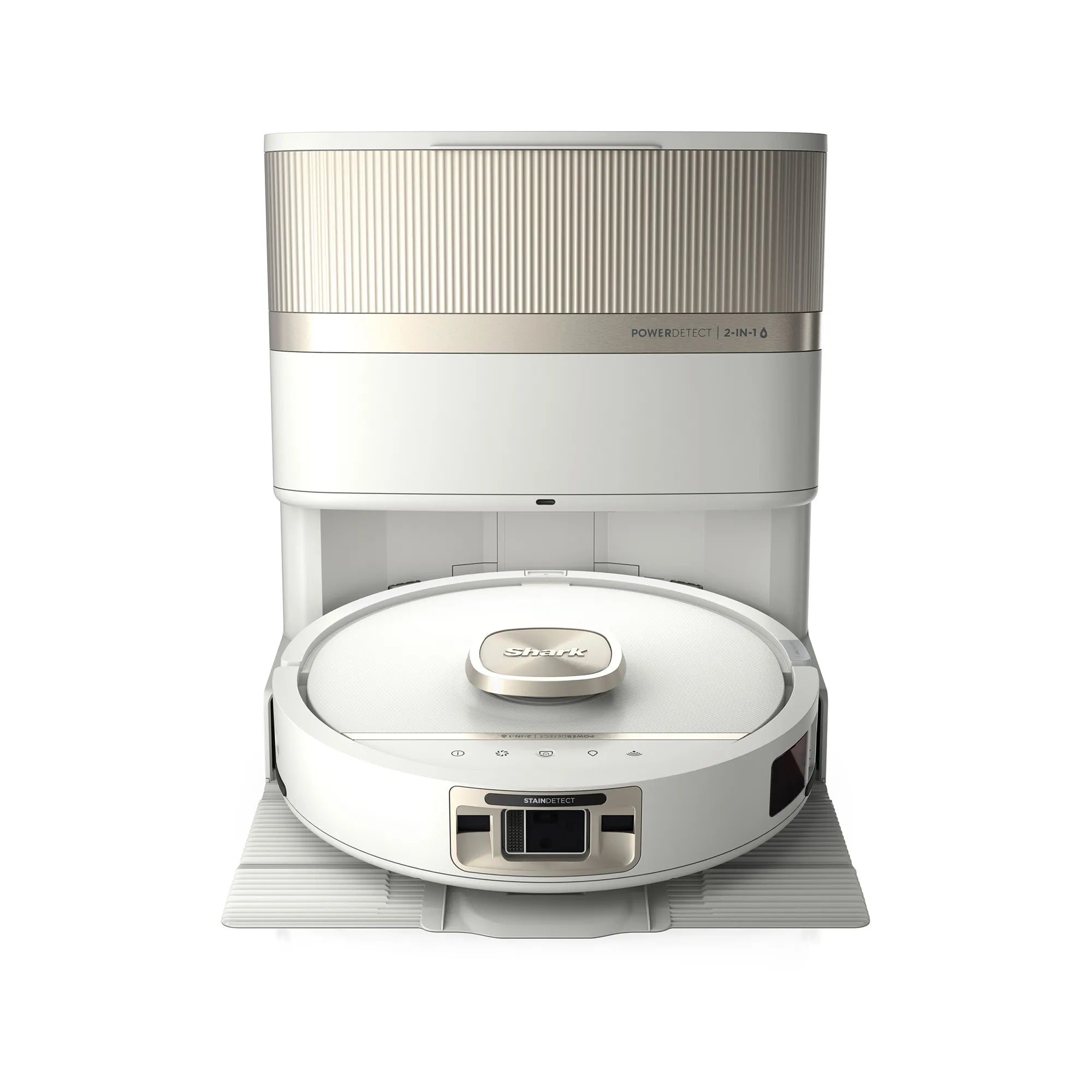
Robot Vacuum FAQs
Still looking for an answer?
Can my robot be controlled with multiple mobile phones or other devices?
Yes. In order to control your robot on multiple devices, you will need to log in to the SharkClean® app on each device. Make sure to use the same username and password.
How do I use my robot with Amazon Alexa or Google Assistant?
- Enter Settings
- Click Smart Home
- Choose Alexa
- Click "Link to my Amazon Alexa" or "Go to Google Home"
What voice commands can I use with my robot?
Here are the Amazon Alexa voice commands you can use with your Shark Robot:
"Alexa, tell Shark to start cleaning."
"Alexa, tell Shark to pause my robot."
"Alexa, tell Shark to send my robot to the base."
"Alexa, tell Shark to find my robot."
Here are the Google Assistant voice commands you can use with your Shark Robot:
"OK Google, tell Shark to start cleaning."
"OK Google, tell Shark to pause my robot."
"OK Google, tell Shark to send my robot to the base."
"OK Google, tell Shark to find my robot."
What is Recharge & Resume?
Recharge & Resume enables your robot to return to its base to recharge when it reaches low battery charge (under 15%) during a cleaning mission, and still has area left to clean. When docked on the base, the robot recharges until the battery is 100%, and then resumes the cleaning mission. Recharge & Resume is automatically activated on your robot by default. To turn this feature off, navigate to the top left corner of the SharkClean® app to open the menu and select Settings, tap the name of your robot, tap into Recharge & Resume, and toggle to off.
What is Evacuate & Resume?
Evacuate & Resume enables your robot to return to its base to evacuate its dust bin and then automatically resume cleaning. To turn this feature off, navigate to the top left corner of the SharkClean® app to open the menu and select Settings, click on the name of your robot, tap on Evacuate & Resume, and toggle to off.
Can my robot clean unmapped areas?
Your robot can clean unmapped areas. If the robot is completing a Whole Home clean within a map and discovers space that was not in the original map it may enter & clean.
It can also clean an area of the home that has no map. To mop ensure the mop pad is attached to the robot & the water tank is full.
However, for optimal cleaning performance and reporting, your robot should clean areas it has mapped.
Can I create multi-floor maps?
Multi-floor mapping is not supported in the current version of the SharkClean® app. However, you may bring your robot to an unmapped area of your home to run a spot clean. To do this, place the robot in the desired area to clean, and begin a cleaning mission.
What is UV Stain Detect?
UV Stain Detect is a smart floor-cleaning feature that uses a UV-assisted sensor to identify likely spots and spills (visible and invisible) on hard floors. When a stain is detected, the robot temporarily switches to a stain-focused cleaning pattern to improve removal before resuming its regular route.
What’s the difference between Whole Home, Room, and Spot Mop for stains?
- Whole Home: balances everyday cleaning with automatic, targeted stain passes when needed.
- Room: balances everyday cleaning with automatic, targeted stain passes when needed with the option to switch between 3 different cleaning modes.
- Spot Mop: You tell the robot exactly where to clean; It uses a tighter pattern and does not add extra attack passes to keep the routine predictable and contained.
Learn more about the Robot Vacuums
FAQs
Learn more